How to Fill Out Colombia Check-MIG – Step-by-Step Guide 2026
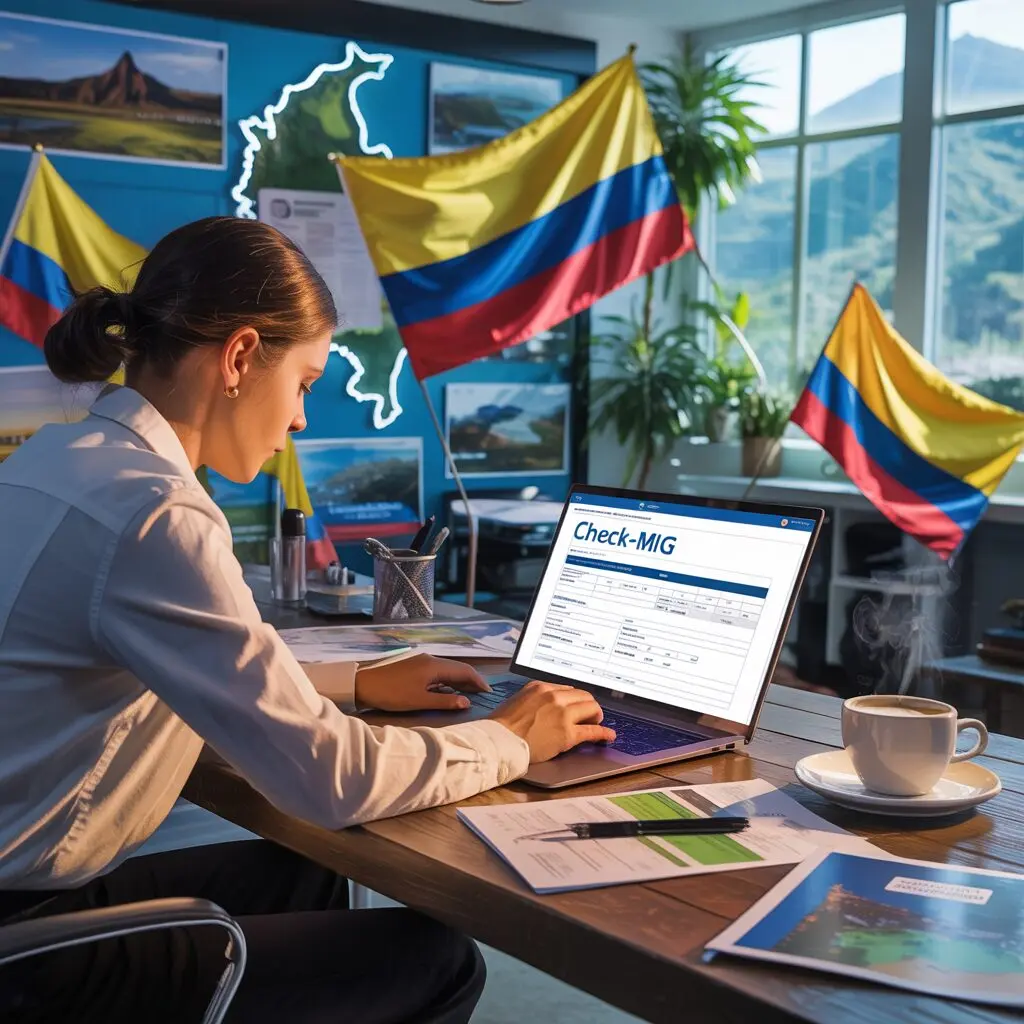
Completing the Colombia Check-MIG form is straightforward and takes about 10-15 minutes when you have everything ready. This step-by-step guide walks you through every field so you can complete it correctly the first time. The official portal is at apps.migracioncolombia.gov.co/check-mig – completely free.
Remember: submit Check-MIG within 24 hours before your scheduled arrival in Colombia. See the Check-MIG deadline guide for timing details.
What to Gather Before You Start
- Your passport – valid for at least 6 months from your arrival date
- Flight booking – airline name, flight number, arrival date
- Accommodation address – hotel name and address in Colombia
- Emergency contact – name and phone number
- Email address – to receive your QR code confirmation
Full requirements at our Check-MIG requirements page.
Step 1 – Access the Official Portal
Open your browser and go to apps.migracioncolombia.gov.co/check-mig. This is the only official government portal. Never use third-party sites that charge fees. The portal works on desktop, tablet, and smartphone. Use Google Chrome, Firefox, Safari, or Edge. If you encounter issues, try incognito mode or a different browser.
Step 2 – Select Your Language
Select English at the top of the page. The portal offers full English support for international travelers.
Step 3 – Enter Personal Information
Enter your details exactly as they appear on your passport:
- First name(s) – include all given names as in your passport
- Last name(s) – include both surnames if applicable
- Date of birth (day/month/year)
- Gender as stated in your passport
- Nationality – select from the dropdown
- Country of birth
- Passport number – check each character carefully
- Passport expiry date
- Type of travel document
Critical: Any discrepancy between your Check-MIG details and your actual passport can cause problems at immigration. Match your passport exactly.
Step 4 – Enter Flight Information
- Airline name (e.g., Avianca, LATAM, American Airlines)
- Flight number (e.g., AV204, LA543) – check your booking confirmation
- Departure country and city
- Arrival date in Colombia
- Port of entry – select the airport (BOG, MDE, CTG, etc.)
- Purpose of visit – tourism, business, study, family, etc.
- Planned length of stay in days
Step 5 – Accommodation Details
- Hotel or host name
- Full street address in Colombia
- City
For Airbnb stays, use the property address. For multiple accommodations, use your first one. If staying with friends, use their home address.
Step 6 – Emergency Contact
- Full name of contact person
- Phone number with country code
- Your relationship to them
Step 7 – Health Declaration
Answer the health questions honestly. These are standard self-declaration questions about your current health status and any symptoms. No medical documentation is required.
Step 8 – Review and Submit
Before clicking Submit, carefully check:
- ✓ Passport number (no typos)
- ✓ Flight number and arrival date
- ✓ Correct airport selected
- ✓ Email address is correct (this is where your QR goes)
Click Submit. The system processes your registration and sends your QR code by email.
Step 9 – Save Your QR Code
Check your email inbox immediately (also check spam/junk folders). Download and save the QR code:
- Screenshot or download to your phone
- Print a backup copy if you prefer paper
- Have it ready at airport check-in and at Colombian immigration
Common Mistakes to Avoid
- ❌ Filling the form more than 24 hours before arrival
- ❌ Entering names differently than on your passport
- ❌ Using the wrong or misspelled flight number
- ❌ Incorrect email address (you won’t receive the QR)
- ❌ Not saving the QR confirmation
- ❌ Using unofficial third-party websites
For technical problems, see our guide on Check-MIG errors and fixes. For more background, visit what is Colombia Check-MIG.
Frequently Asked Questions
Can I fill out Check-MIG on my phone?
Yes. The Check-MIG portal is mobile-friendly and works on smartphones and tablets. Use a modern browser like Chrome or Safari for the best experience.
What if I make a mistake on my Check-MIG form?
Submit a new Check-MIG form with the correct information. The most recent valid submission will be used by immigration. There is no penalty for resubmitting.
Can I fill out Check-MIG for someone else?
Yes, you can complete the form on behalf of a family member using their personal information and passport details.
What if I don’t have my accommodation address yet?
Book your accommodation before completing Check-MIG. If on a flexible itinerary, enter the address of a hotel in your first destination city in Colombia.
How do I know if my Check-MIG was submitted successfully?
You will receive an email confirmation with a QR code. If you do not receive it within 30 minutes, check your spam folder or resubmit with a corrected email address.